
Sign In

Free AI Blur Remover Online

Upload one blurry image, sign in, then preview and download the result.

Upload blurry image*

205 / 400

Credits required:-

Free AI Blur Remover Online

Image

A Real Before and After from BlurRemover

This proof pair comes from a completed BlurRemover image-to-image task on August 17, 2026. We created the source image for this test, deliberately blurred it, uploaded that blurred file through the live product, and downloaded the successful AI result through the same interface. The images are shown without invented quality scores or customer claims.

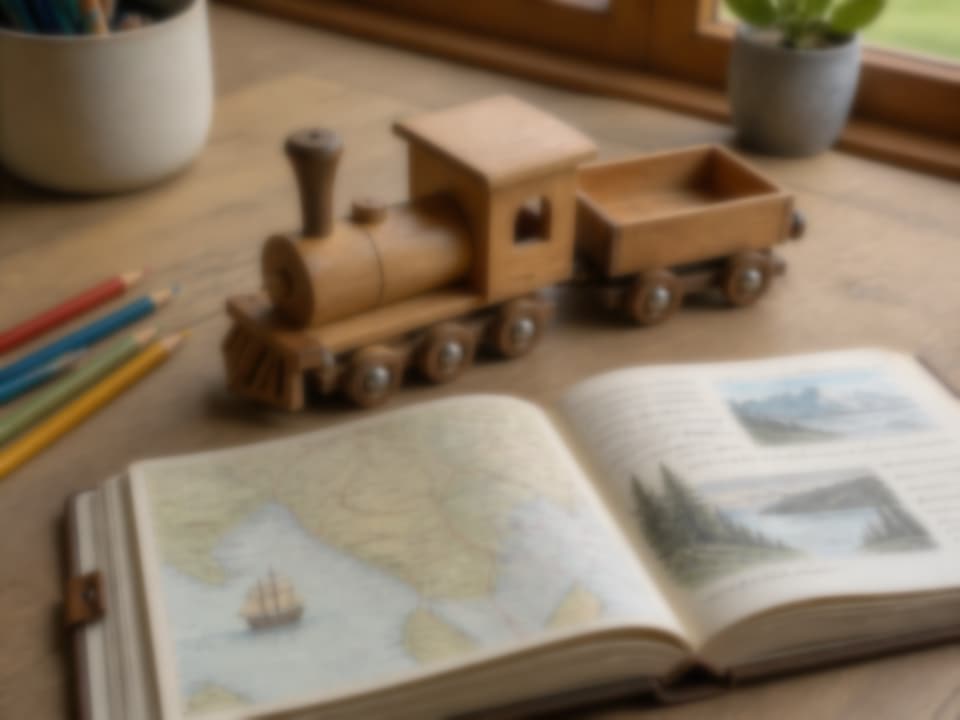
Intentionally blurred test photo of a wooden toy train beside an open illustrated journal
Blurred input
Verified task input and output
Before — actual uploaded file

An intentionally blurred 4:3 test image

The input is a 1200 × 900 PNG containing a wooden toy train, an open illustrated journal, pencils, and a desk scene. A controlled Gaussian blur was applied before upload so the starting point is reproducible and the comparison does not depend on a stock-photo marketing claim.

Upload your image above
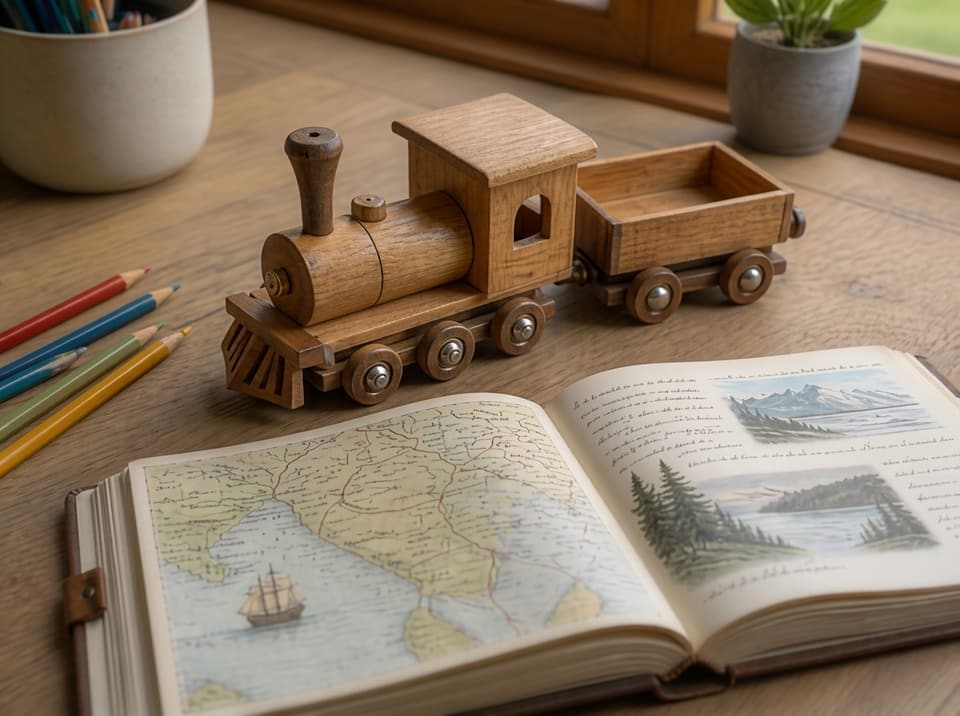
Downloaded AI-deblurred result showing the wooden toy train and illustrated journal more clearly
AI-deblurred output
Verified task input and output
After — actual downloaded file

The result returned by Nano Banana 2

The successful task used the KIE Nano Banana 2 image-to-image route and cost 40 credits at the verified configuration. The output restores visible wood grain, journal lines, and wheel detail while keeping the scene recognizable. This is one real example, not a guarantee that every blurry photo will recover the same amount of detail.

Try the verified workflow

How to Unblur an Image Online

The homepage keeps the upload and generation controls at the top of the page on mobile and desktop, so you can start before reading the supporting explanation.

1

Upload one supported image

Choose one PNG, JPEG, WebP, or AVIF image up to 10MB. The current control accepts one reference image at a time. Use a photo you are authorized to process.

2

Describe the intended correction

The deblur prompt is prefilled, but you can edit it before generation. Sign-in is required. The selected image-to-image model processes the request, and no fixed completion time or guaranteed restoration level is promised.

3

Review and download the result

When the task succeeds, preview the generated media, open it at full size, and use the download control. Check important edges, faces, lettering, and fine structures yourself because generative output can change or invent details.

Verified Upload, Processing, and Free-Credit Rules

These facts were checked against the active code path and production runtime on August 17, 2026. Credit configuration can change, so the signed-in balance and model selector remain the final source of truth before you generate.

Supported uploads

One PNG, JPEG, WebP, or AVIF file up to 10MB can be selected in the current homepage generator.

Sign-in and return

Generation requires sign-in. The Google sign-in flow was verified to return the tester to the BlurRemover homepage.

New-account grant

Production currently grants a new account 40 credits with a 5-day validity period. This is not a promise of two free attempts every day.

Daily check-in

Day 1 currently awards 40 credits. Later streak rewards vary, and a missed day resets the streak, so there is no fixed two-attempt daily allowance.

Current default cost

Nano Banana 2 is the verified homepage default. Its current image-to-image run costs 40 credits, so a 40-credit grant covers one default attempt.

Result handling

A successful result can be previewed, opened, and downloaded. Output dimensions and file format depend on the selected model and provider response.

Blur Remover FAQ

Straight answers about supported files, credits, processing, and the limits of AI deblurring.

Is BlurRemover free to use?

The homepage is free to access, but generation requires sign-in and sufficient credits. Production currently gives new accounts 40 credits valid for 5 days, and Day 1 check-in currently gives 40 credits. The default Nano Banana 2 image-to-image run costs 40 credits. Streak rewards vary, so we do not claim two free deblur attempts every day.

Which image formats and file sizes are supported?

The current upload validation accepts PNG, JPEG, WebP, and AVIF raster images up to 10MB. Select one file at a time. If validation rejects a file, convert it to one of those formats or reduce its size before trying again.

Can AI recover every detail from a blurry photo?

No. The model can produce a clearer-looking result, but detail lost in the source may be impossible to recover accurately. Generative processing may also alter or invent small structures. Review faces, text, product details, and any evidence-sensitive content carefully.

Does BlurRemover guarantee a processing time or quality level?

No. Completion time depends on the selected model, provider availability, input, and queue state. Quality also depends on the type and severity of blur. The page shows a real completed example but does not promise a fixed time, quality score, or restoration level.

What happens after I submit an image?

The signed-in generator uploads the selected file, creates an image-to-image task, and polls for its status. When the task succeeds, the result appears in the interface with controls to open and download the media. Failed tasks display an error rather than a fabricated result.

What photos should I upload?

Upload only images you have the right and permission to process. Avoid relying on AI-generated detail for identity, legal evidence, medical interpretation, or other decisions where an altered pixel could be consequential. Review the Privacy Policy and Terms of Service before use.

Try the AI Blur Remover with Your Own Photo

Start with one supported image, keep the prompt specific, and inspect the generated result before downloading or sharing it.